
TL;DR:
- Dynamic DNS automatically updates device hostnames when IP addresses change, ensuring reliable remote IoT access despite ISP IP rotations. It is essential for managing large fleets cost-effectively, especially when static IPs are impractical or unavailable. Combining DDNS with secure protocols like VPNs protects devices from security risks while maintaining connectivity.
Dynamic DNS (DDNS) is defined as a service that automatically updates a domain name's DNS record whenever a device's IP address changes. This matters enormously for IoT deployments because most 4G, 5G, and residential ISPs assign dynamic public IPs that change without warning, breaking remote access instantly. Without DDNS, a field sensor, industrial gateway, or IP camera becomes unreachable the moment its IP rotates. The IETF's DNS update standards (RFC 2136) formalize the mechanism DDNS relies on, and the ITU's network management guidelines recognize dynamic addressing as a core challenge in distributed device management. DDNS and IoT security are also closely linked, since exposing devices over changing IPs without proper controls creates real attack surface.
Why IoT deployments need DDNS: the core problem explained
IoT devices rarely sit in data centers with fixed, enterprise-grade connections. They live in homes, vehicles, remote industrial sites, and cellular coverage zones where ISPs recycle IP addresses constantly. A smart meter in a utility network, a surveillance camera on a construction site, or a PLC in a factory all face the same problem: their public IP address changes, and any system trying to reach them loses the connection.
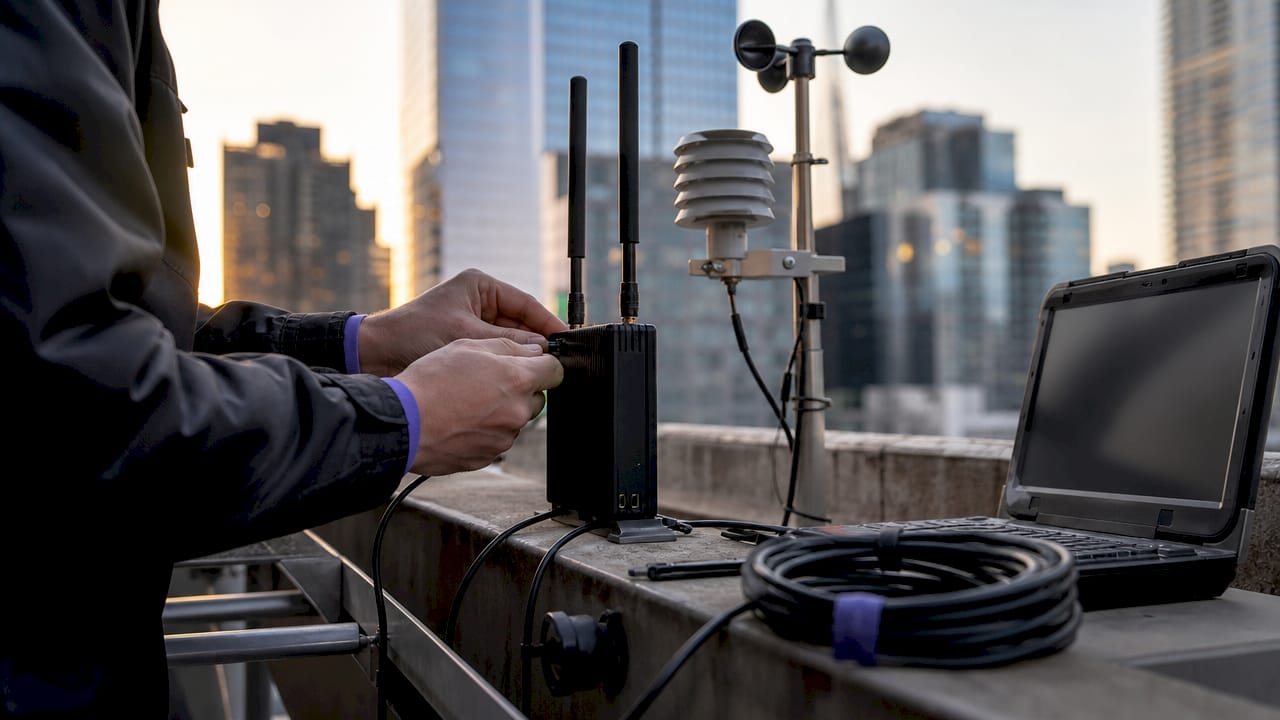
DDNS solves this by binding a stable hostname to a device's current IP. When the IP changes, a lightweight client running on the device or its router detects the change and sends an authenticated update to the DDNS provider. The hostname stays constant. Remote systems connect to the hostname, not the raw IP, so the connection survives IP rotations transparently.
The importance of DDNS for IoT becomes clear when you consider scale. A fleet of 500 remote sensors managed by a single operations team cannot rely on engineers manually tracking IP changes. DDNS automates hostname updates via authenticated updates sent by DHCP clients or routers, eliminating the outages that manual processes cause. That automation is the foundation of any reliable remote IoT management strategy.
How does DDNS work to maintain connectivity for IoT devices?
The DDNS update cycle has three steps: detection, notification, and propagation. A DDNS client on the device monitors its current public IP. When the IP changes, the client sends an authenticated HTTP or DNS update request to the DDNS provider's server. The provider updates the DNS A record for the hostname within seconds.
Key technical details that matter for IoT:
- Update intervals: DDNS update intervals can be as short as 30 seconds, which keeps downtime minimal during IP changes.
- TTL settings: DNS cache TTL controls how long resolvers hold old records. Low TTL values (60–300 seconds) are critical for IoT because they force resolvers to fetch fresh records quickly after an IP change.
- Propagation delay: Even with fast DDNS updates, recursive DNS cache may delay connection changes by the full TTL duration. This is why setting a low TTL before a known IP change is good practice.
- Authentication: DDNS updates use API keys or shared secrets to prevent unauthorized record manipulation.
Static DNS, by contrast, requires a human to log into a DNS control panel and manually change the A record. For a single server, that is manageable. For a distributed IoT fleet, it is operationally impossible.
Pro Tip: Set your DDNS hostname TTL to 60 seconds during initial deployment and testing. Once the deployment is stable, you can raise it to 300 seconds to reduce DNS query load without sacrificing meaningful responsiveness.
Why are static IP addresses often not feasible for IoT deployments?
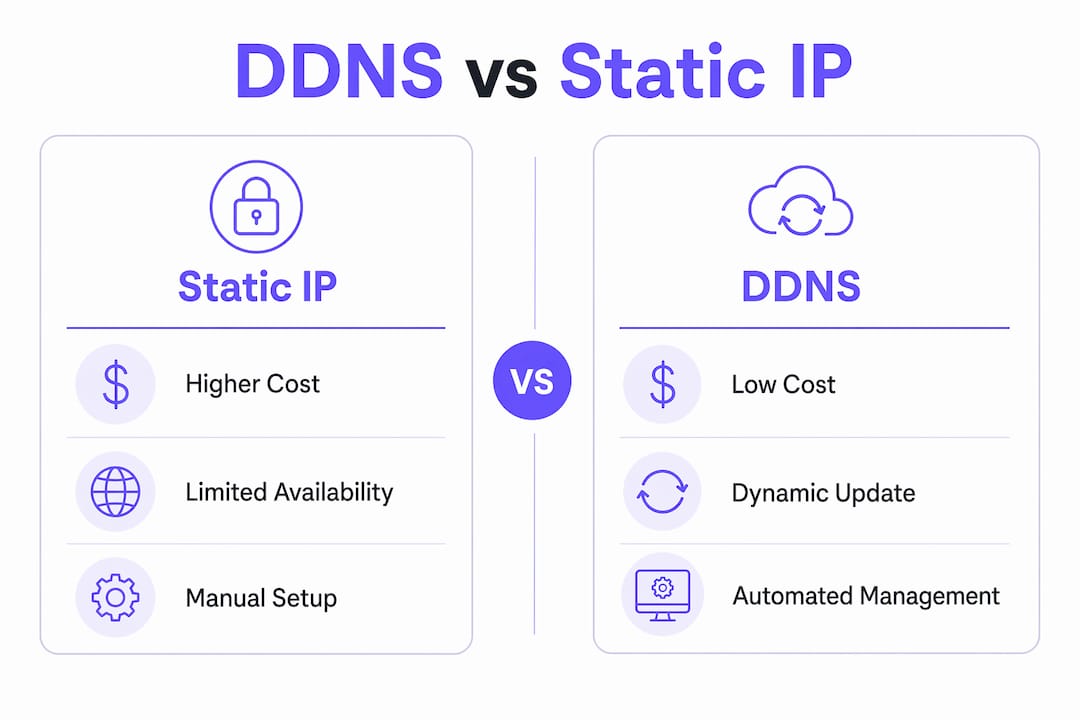
Static IPs are expensive and hard to scale. Static IP costs range from $15–$50 per device per month on consumer and mobile broadband plans. For a deployment of 200 remote sensors, that translates to $3,000–$10,000 per month in IP address fees alone, before any hardware or platform costs.
Beyond cost, static IPs are simply unavailable on many cellular plans. Consumer-grade 4G and 5G SIMs do not offer static IP options at all. Even when available, managing a large pool of static IPs across multiple ISPs and regions creates significant administrative overhead. DDNS offers the most cost-effective balance between flexibility and connectivity in dynamic, mobile, or distributed IoT use cases.
| Characteristic | Static IP | DDNS |
|---|---|---|
| Monthly cost | $15–$50 per device | Minimal or free |
| Availability on cellular | Rare, premium add-on | Works with any dynamic IP |
| Configuration effort | High (manual per device) | Low (automated client) |
| Scalability | Poor for large fleets | Scales to thousands of devices |
| Suitability for mobile networks | Very limited | Well suited |
Pro Tip: For cellular IoT deployments where static IPs are unavailable, pair DDNS with a device-side update client built into your firmware. This removes the dependency on a router and works even when devices roam between towers.
What are the limitations of DDNS in IoT, especially with CGNAT?
DDNS has one critical blind spot: Carrier-Grade NAT (CGNAT). CGNAT is a technique ISPs use to share a single public IP address across hundreds of subscribers simultaneously. It is standard practice on consumer cellular networks and many residential broadband providers.
When a device sits behind CGNAT, it has a private IP internally. The DDNS client detects this private IP (or a shared public IP that belongs to the ISP, not the device) and updates the DNS record accordingly. But that public IP is not routable to the specific device. In CGNAT cellular networks, DDNS cannot enable inbound connections because there is no port forwarding available to reach the individual device.
The practical workarounds for CGNAT in IoT deployments follow a clear priority order:
- Outbound VPN tunnels: The IoT device initiates an outbound connection to a VPN server. Outbound VPN connections bypass NAT restrictions, creating a stable inbound channel for remote management. This is the most reliable approach.
- TCP tunneling services: Services like Rslvd create persistent TCP tunnels from the device outward, exposing local ports (SSH, RDP, HTTP) through a public endpoint without requiring a static IP or open firewall port.
- Reverse proxies: A reverse proxy server with a fixed public IP accepts inbound connections and forwards them to the device's outbound tunnel.
- MQTT or WebSocket brokers: For telemetry-only use cases, devices publish data to a broker rather than accepting inbound connections, sidestepping CGNAT entirely.
In CGNAT cellular environments, remote access requires outbound VPN initiation by the IoT device to create a stable channel. DDNS remains useful in these setups for naming the VPN server endpoint, but it cannot replace the tunnel itself.
How does DDNS integrate with security measures to protect IoT remote access?
DDNS does not provide security on its own. DDNS makes devices reachable but does not secure them from unauthorized access. Publishing a stable hostname for an IoT device is, in effect, publishing a permanent address that attackers can probe continuously.
The security risks specific to DDNS-enabled IoT devices include:
- Brute-force attacks on SSH and RDP: A stable hostname makes it trivial for automated scanners to target login interfaces.
- DNS hijacking: If DDNS account credentials are compromised, an attacker can redirect the hostname to a malicious server.
- Exposed management interfaces: Devices that expose web UIs or APIs via DDNS without authentication controls are high-value targets.
Effective security for DDNS-enabled IoT deployments requires layering multiple controls:
- Use VPNs or encrypted tunnels to wrap all remote access traffic. Never expose raw device ports to the public internet.
- Enforce strong authentication on every accessible interface. SSH key-based authentication and multi-factor authentication for web UIs are the minimum standard.
- Apply firewall rules that restrict inbound connections to known IP ranges or VPN endpoints only.
- Rotate DDNS account credentials regularly and use API key scoping to limit what each client can update.
- Monitor DNS records for unexpected changes, which can indicate account compromise.
The combination of DDNS with a VPN tunnel is the most common secure pattern in production IoT deployments. DDNS handles the naming layer. The VPN handles the access control layer. Neither is sufficient alone.
What are practical deployment scenarios for DDNS with IoT devices?
DDNS advantages in IoT show up most clearly in three real-world scenarios.
Remote industrial gateways are a textbook case. A factory running PLCs and SCADA systems on a cellular backup connection needs engineers to access those systems from headquarters. DDNS keeps the gateway's hostname current as the cellular IP changes. The engineer connects to gateway.company.ddns.net rather than chasing a new IP every week.
IP camera networks for construction sites or remote facilities rely on DDNS for consistent remote surveillance access without manual IP tracking. The camera's NVR registers a DDNS hostname. The security team accesses the feed from anywhere using that hostname.
Smart utility meters in residential deployments use DDNS to allow utility companies to poll meter data remotely. The meter's gateway reports its current IP to the DDNS provider on each connection. The utility's backend queries the hostname, not a static IP, making the system resilient to ISP-side IP changes.
For setup, the general process is straightforward:
- Register a hostname with a DDNS provider.
- Install a DDNS update client on the device or its router.
- Configure the client with your account credentials and update interval.
- Set the DNS TTL to 60–300 seconds.
- Test by disconnecting and reconnecting the device to force an IP change, then verify the hostname resolves correctly.
Pro Tip: Coordinate your DDNS update cycle with your device's reboot sequence. Configure the DDNS client to send an update immediately on boot, not just on IP change detection. This prevents a window of unreachability after a device restart.
Key Takeaways
DDNS is the most cost-effective and practical method for maintaining reliable remote access to IoT devices on dynamic IP connections, especially when combined with VPN tunnels for CGNAT environments.
| Point | Details |
|---|---|
| DDNS solves dynamic IP problems | Automatically updates hostnames when IPs change, keeping IoT devices reachable. |
| Static IPs are impractical at scale | Costs of $15–$50 per device per month make static IPs unworkable for large IoT fleets. |
| CGNAT blocks inbound DDNS access | Outbound VPN tunnels or TCP tunneling services are required to reach devices behind CGNAT. |
| DDNS does not provide security | Pair DDNS with VPNs, firewalls, and strong authentication to protect exposed devices. |
| Low TTL values reduce downtime | Setting TTL to 60–300 seconds minimizes the window of unreachability after an IP change. |
DDNS is more foundational than most IoT architects admit
I have reviewed a lot of IoT network designs over the years, and the same mistake appears repeatedly: teams treat DDNS as an afterthought. They spend months selecting hardware, designing data pipelines, and building dashboards, then discover on day one of deployment that their cellular devices are unreachable because the ISP rotated the IP overnight.
The deeper issue is that DDNS gets conflated with "just a hostname trick." It is not. It is the naming layer that makes every other remote access mechanism work. VPNs need an endpoint to connect to. SSH clients need an address. Monitoring systems need a stable identifier. DDNS provides all of that without requiring expensive static IP contracts or manual intervention.
What I find genuinely underappreciated is how DDNS improves resilience in enterprise IoT environments. DDNS automatically re-routes to updated IPs without manual intervention, which means a device that reboots at 3 AM and gets a new IP is back online before anyone notices. That kind of self-healing behavior is exactly what distributed IoT networks need.
The future trajectory is interesting too. IPv6 adoption will eventually reduce the pressure that CGNAT creates, since every device could theoretically have a globally routable address. But even in an IPv6 world, DDNS remains relevant because hostnames are more manageable than 128-bit addresses. Edge computing architectures will also keep DDNS useful as processing moves closer to devices rather than centralizing in cloud endpoints.
My honest recommendation: treat DDNS configuration as a first-class deployment requirement, not a post-launch fix. Get the TTL right, automate the update client, and layer your security from day one.
— Garet
Rslvd makes DDNS and CGNAT tunneling practical for IoT teams
Managing remote IoT devices on dynamic IPs is a solvable problem. Rslvd provides dynamic DNS combined with TCP tunneling that bypasses CGNAT, which means your devices stay reachable even on consumer cellular SIMs with no static IP option. Setup takes seconds, there are no bandwidth limits, and the service works for SSH, RDP, and IP camera access without complex ISP configuration.
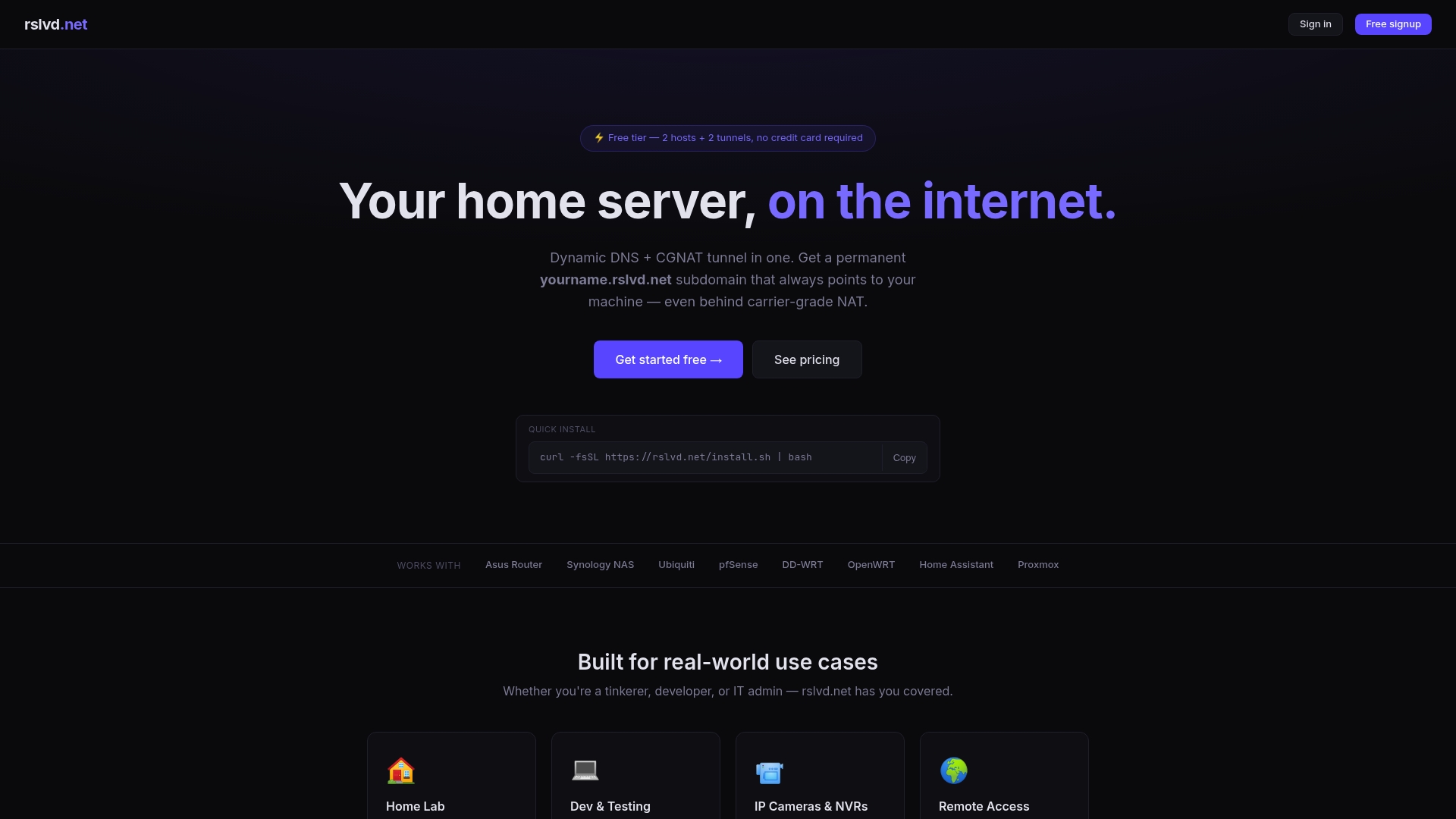
For developers and IT professionals who need reliable remote access to IoT gateways, PLCs, or surveillance systems, Rslvd removes the two biggest blockers: changing IPs and CGNAT restrictions. The result is a connection that works the same way whether your device is on residential broadband or a 4G SIM in a remote field installation.
FAQ
What is DDNS and why does IoT need it?
DDNS (Dynamic DNS) automatically updates a hostname's DNS record when a device's IP address changes. IoT devices need it because most ISPs assign dynamic IPs that change frequently, breaking remote access without an automatic update mechanism.
Does DDNS work on cellular IoT networks with CGNAT?
DDNS alone does not work for inbound connections on CGNAT cellular networks because the device shares a public IP with other subscribers and has no port forwarding. Outbound VPN tunnels or TCP tunneling services like Rslvd are required to establish reliable remote access in these environments.
Is DDNS secure for IoT device access?
DDNS itself provides no security. It only maintains a stable hostname. Securing IoT devices over DDNS requires VPNs, firewalls, strong authentication, and encrypted connections to prevent unauthorized access.
How often does DDNS update when an IP changes?
DDNS clients can detect and push IP updates in as little as 30 seconds. The actual time before remote systems can reconnect depends on the DNS TTL setting, which should be set to 60–300 seconds for IoT deployments.
What is the main advantage of DDNS over static IPs for IoT?
DDNS eliminates the recurring cost of static IPs, which run $15–$50 per device per month on consumer and mobile broadband plans. For large IoT fleets, DDNS scales to thousands of devices at a fraction of the cost with no manual IP management required.