

TL;DR:
- Dynamic DNS automatically maps changing device IPs to fixed hostnames, enabling consistent remote access. It requires devices to have public IPs and support native DDNS or scripting for updates. Most deployments need tunneling or VPNs to overcome carrier-grade NAT limitations in cellular networks.
Dynamic DNS (DDNS) is defined as a service that automatically maps a device's changing public IP address to a fixed hostname, keeping remote access consistent without manual intervention. For developers and IT professionals managing a dynamic DNS IoT fleet setup, this matters enormously. Static IP allocation grows expensive and operationally heavy as IPv4 exhaustion tightens supply across enterprise and industrial deployments. Modern DDNS services push updates in as little as 30 seconds, with global DNS propagation typically completing within 60 seconds. That speed makes DDNS a practical foundation for fleet management at scale.
What are the prerequisites for a dynamic DNS IoT fleet setup?
A successful IoT device dynamic DNS deployment starts with understanding your network environment. Every device in your fleet needs a routable public IP address for DDNS to function as intended. That distinction matters more than most guides acknowledge.

Network fundamentals you must confirm first
Before touching any DDNS configuration, confirm whether your devices receive public or private IP addresses. Devices behind a home router or cellular modem typically get private IPs assigned by NAT. DDNS cannot make a private IP reachable from the internet. Consumer broadband connections usually assign dynamic public IPs that DDNS handles well, but cellular IoT deployments often sit behind carrier-grade NAT (CGNAT) where no public IP exists at all.
You also need to confirm that your IoT gateways or routers support a DDNS client natively, or that your devices can run a lightweight update script. Most Linux-based gateways support clients like ddclient or custom shell scripts that call a provider's API. Authentication credentials, typically an API token or username and password pair, are required by every major provider.
Choosing the right DDNS provider for your fleet
Provider features vary significantly across free and paid tiers. DuckDNS offers simplicity and works well with Raspberry Pi devices, making it a solid choice for small fleets. Cloudflare's DDNS approach requires you to own a domain, but it delivers 1-second TTL and a full API, which suits larger or more demanding deployments. Self-hosted options like bind9 with dynamic update support give maximum control but add operational overhead.
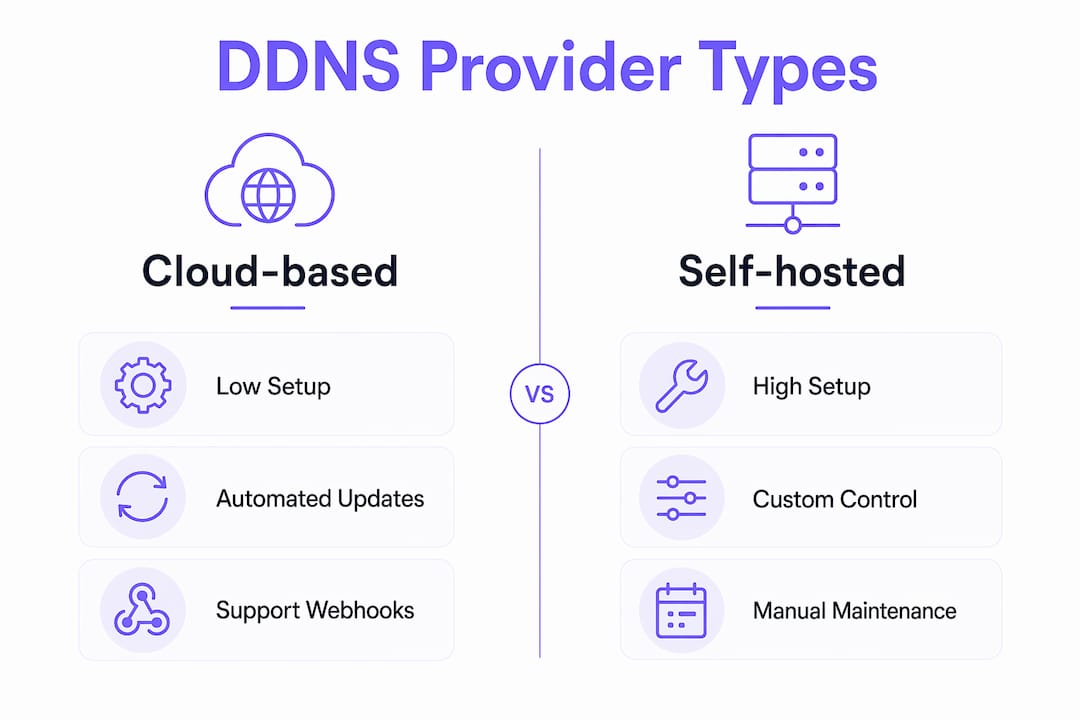
| Feature | Cloud-based providers | Self-hosted solutions |
|---|---|---|
| Setup complexity | Low | High |
| Update speed | 30–60 seconds | Configurable |
| API access | Varies by tier | Full control |
| Cost | Free to paid tiers | Infrastructure cost |
| Fleet scalability | Limited on free tiers | Unlimited |
Pro Tip: Select a provider that supports webhook or API-triggered updates rather than fixed-interval polling. This keeps your fleet within rate limits as it grows.
How to configure dynamic DNS for an IoT device fleet
Fleet management dynamic DNS configuration follows a repeatable five-step process. Each step builds on the last, and skipping any one of them creates reliability gaps that are hard to diagnose later.
-
Register your hostname. Create an account with your chosen DDNS provider and register a hostname for each device or device group. Use a naming convention that reflects your fleet structure, such as
sensor-zone1.yourdomain.duckdns.org. Consistent naming makes bulk management far easier. -
Install and configure the DDNS client. On Linux-based gateways, install
ddclientwithsudo apt install ddclient. Edit/etc/ddclient.confto include your provider credentials, hostname, and the network interface to monitor. For router-based setups, navigate to the DDNS section in the admin UI and enter the same credentials directly. -
Set up secure authentication. Use API tokens rather than plain passwords wherever your provider supports them. Store tokens in environment variables or a secrets manager, not in plaintext config files. This prevents credential exposure if a device is physically compromised.
-
Automate IP change detection. The best practice is to update on IP change rather than on a fixed timer. Configure
ddclientwithdaemon=300andcheckipset to an external IP detection service. The client then compares the current IP against the last recorded value and only pushes an update when a change is detected. -
Verify DNS resolution. After the first update, run
nslookup your-hostname.duckdns.orgfrom an external network. Confirm the returned IP matches your device's current public IP. Usedig +short your-hostname.duckdns.orgfor a cleaner output. Test actual connectivity with SSH or a ping to confirm end-to-end reachability.
| Step | Action | Expected outcome |
|---|---|---|
| Register hostname | Create record at provider | Hostname exists in DNS |
| Install client | Configure ddclient or router UI | Client runs on boot |
| Authenticate | Add API token to config | Secure update channel |
| Automate detection | Set change-triggered updates | No rate limit issues |
| Verify resolution | Run nslookup or dig | IP resolves correctly |
Pro Tip: Run ddclient -daemon=0 -debug -verbose -noquiet after initial setup to see exactly what the client sends to your provider. This catches authentication errors before they silently fail in production.
What networking challenges affect dynamic DNS in IoT fleets?
DDNS solves the hostname-to-IP mapping problem, but it cannot solve the reachability problem on its own. This is the most common misconception developers run into when scaling fleet management dynamic DNS across cellular or multi-tenant networks.
The core issue is CGNAT. Carriers assign a single public IP to thousands of subscribers simultaneously, placing each device behind multiple layers of NAT. DDNS cannot punch through CGNAT. Even if a hostname resolves correctly, inbound TCP connections will fail because no port forwarding path exists through the carrier's infrastructure. This affects a large portion of cellular IoT deployments.
The solutions fall into three categories:
- VPN tunnels. WireGuard or OpenVPN create an outbound tunnel from the device to a server with a public IP. Inbound traffic then routes through the VPN server. This works reliably but adds latency and requires managing VPN infrastructure.
- TCP tunneling services. Services like Rslvd establish an outbound TCP tunnel from the device, bypassing CGNAT entirely. Rslvd requires no static IP and no ISP configuration changes, making it well suited for fleets where devices are already deployed in the field.
- Broker-based messaging. MQTT over TLS with a cloud broker lets devices publish data outbound without requiring inbound connections. This works for telemetry but not for interactive access like SSH or RDP.
When your devices do have public dynamic IPs, DDNS works without any of these additions. DDNS combined with failover and load balancing supports fault-tolerant architectures that maintain availability even during IP changes or partial outages.
Pro Tip: Audit your fleet's IP assignment method before choosing a remote access architecture. A single cellular SIM check via curl ifconfig.me from the device reveals whether the returned IP is publicly routable or a private CGNAT address.
How to monitor and troubleshoot dynamic DNS in IoT fleets
Reliable fleet operations require active monitoring, not just correct initial configuration. DNS failures are silent by default. A device can lose connectivity for hours before anyone notices if no alerting is in place.
The three core diagnostic commands are nslookup, dig, and traceroute. Run dig +short hostname from an external resolver like Google's 8.8.8.8 to check propagation. Compare the result against the device's actual IP to detect stale records. Use traceroute hostname to identify where packets stop when connectivity fails.
| Issue | Likely cause | Resolution |
|---|---|---|
| Hostname resolves to old IP | Update client stopped | Restart ddclient, check logs |
| Rate limit error from provider | Too-frequent updates | Switch to change-triggered updates |
| Hostname does not resolve | TTL expired, no update sent | Check client config and credentials |
| Connection refused on correct IP | Firewall or CGNAT blocking | Add tunneling or adjust firewall rules |
| Intermittent resolution failures | Low TTL with slow propagation | Increase TTL or switch provider |
Update interval configuration is the most common source of provider bans. Triggering updates only on IP change rather than on a fixed schedule prevents rate-limiting across large fleets. For a fleet of 500 devices, even a 5-minute polling interval generates 144,000 API calls per day per device if not gated by change detection.
Centralized logging is the most underused tool in fleet DNS management. Pipe ddclient output to a log aggregator like Grafana Loki or a simple syslog server. Set alerts for update failures or repeated identical IP submissions. Enterprise DDNS deployments that incorporate monitoring alongside DDNS maintain significantly higher uptime than those relying on manual checks.
Key takeaways
DDNS is effective for IoT fleet remote access only when paired with the right network architecture, change-triggered updates, and active monitoring.
| Point | Details |
|---|---|
| Confirm IP type first | DDNS works only with public IPs; CGNAT requires tunneling or VPN to complement it. |
| Use change-triggered updates | Update DDNS records only on IP change to avoid provider rate limits across large fleets. |
| Verify with dig and nslookup | Always test DNS resolution from an external network after any configuration change. |
| Add tunneling for CGNAT devices | TCP tunneling services like Rslvd bypass CGNAT without requiring static IPs or ISP changes. |
| Monitor centrally | Log all DDNS update events and alert on failures to catch silent connectivity losses early. |
Why I think most teams underestimate the network layer
Most developers treat DDNS as a checkbox. Register a hostname, install a client, done. That works fine for a single device on a home broadband connection. It breaks down fast when you scale to a fleet of devices spread across different ISPs, cellular carriers, and physical locations.
The terminology itself causes confusion. "Dynamic IP" sounds like a solved problem once you have DDNS. But the term is genuinely ambiguous in IoT contexts. A dynamic IP on a home connection is public and reachable. A dynamic IP on a cellular SIM is often private and completely unreachable without additional infrastructure. I've watched teams spend days debugging DDNS configurations that were technically correct but fundamentally unable to work because of CGNAT.
The teams that get this right treat DDNS as one layer in a broader connectivity stack. They audit IP types before deployment, choose tunneling where CGNAT is present, and build monitoring into the stack from day one. They also recognize that DDNS integrated with failover strategies produces genuinely resilient architectures, not just convenient hostname resolution. In 2026, with IoT fleets growing in cellular-heavy environments, that architectural clarity is what separates teams that ship reliable products from those chasing intermittent connectivity bugs.
— Garet
Rslvd makes IoT fleet connectivity practical
Managing remote access across a fleet of IoT devices gets complicated fast, especially when CGNAT blocks direct inbound connections. Rslvd addresses exactly this problem with a dynamic DNS and TCP tunneling service built for developers and IT professionals who need reliable remote access without static IPs or complex ISP negotiations.
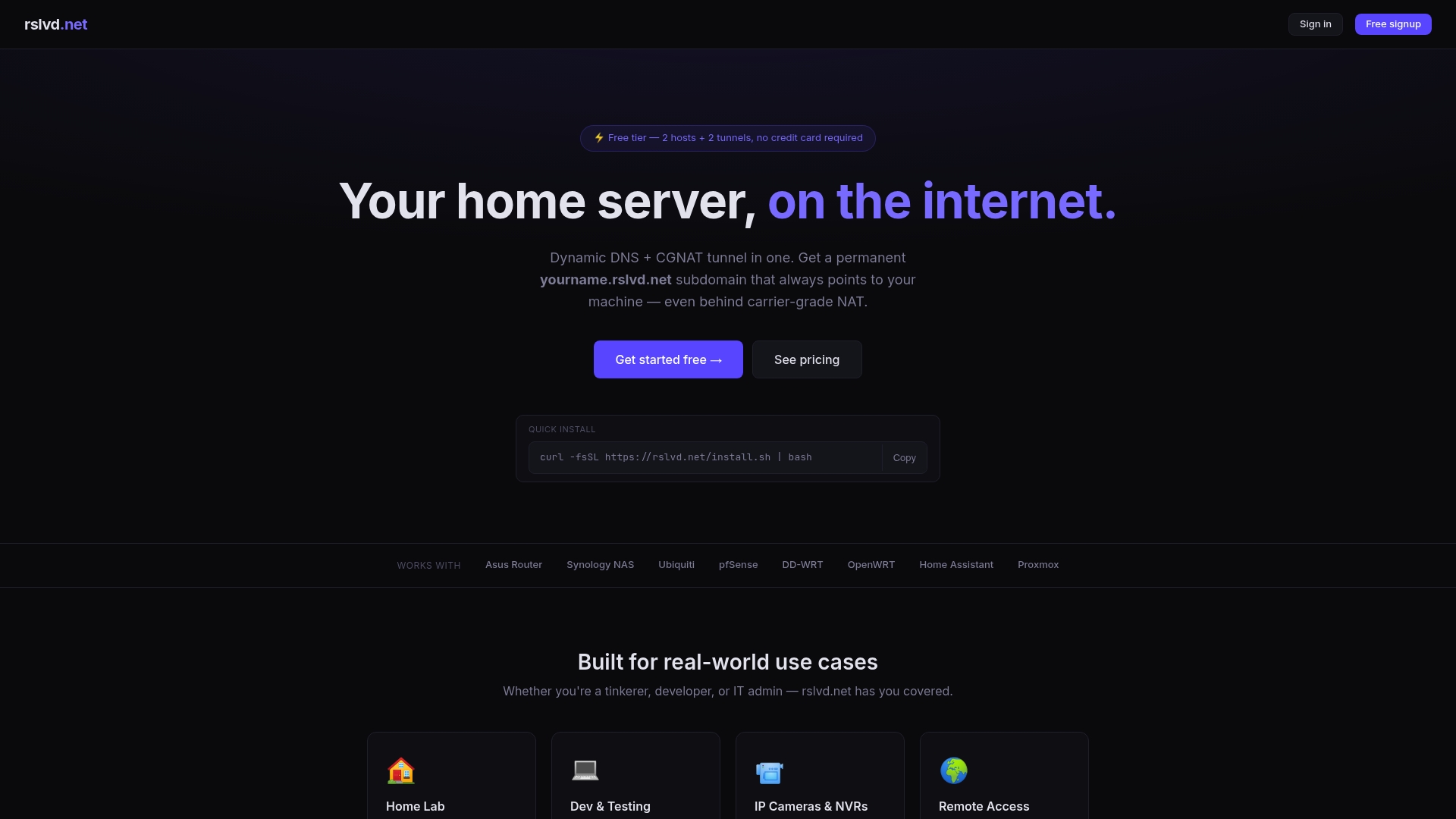
Rslvd establishes outbound TCP tunnels that bypass CGNAT, making SSH, RDP, and IP camera access work even on cellular connections where traditional DDNS falls short. Setup takes seconds, there are no bandwidth limits, and the service works across Linux devices, gateways, and home servers. For teams managing connected devices at scale, Rslvd removes the infrastructure overhead that typically comes with fleet-wide remote access. Visit rslvd.net to see how it fits your deployment.
FAQ
What is dynamic DNS and why does it matter for IoT fleets?
Dynamic DNS maps a changing IP address to a fixed hostname automatically. For IoT fleets, this removes the need to track individual device IPs manually as they change over time.
Does DDNS work for devices behind CGNAT?
DDNS alone does not work behind CGNAT. Devices on cellular networks or shared carrier infrastructure need a TCP tunnel or VPN to establish inbound connections alongside DDNS.
How often should IoT devices update their DDNS records?
Devices should update DDNS records only when their IP address changes, not on a fixed interval. Fixed-interval polling across large fleets triggers rate limits and can result in provider bans.
What tools verify DNS propagation after a DDNS update?
Run dig +short your-hostname against an external resolver like 8.8.8.8 to confirm propagation. Follow with an SSH or ping test to verify actual end-to-end connectivity.
Can DDNS support high-availability architectures for IoT deployments?
Yes. When combined with failover and load-balancing configurations, DDNS supports fault-tolerant architectures that maintain device reachability even during IP transitions or partial network outages.